Use Cases
Entertainment beyond streaming
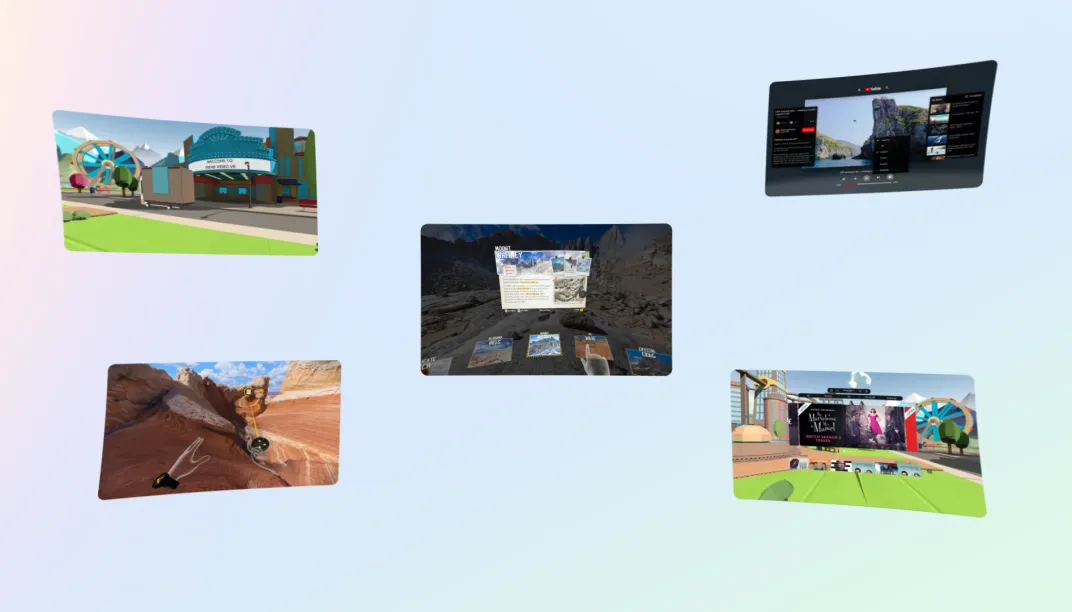
Media
Step into the story and experience media like never before! By developing immersive VR media apps, you can transport viewers into the world of their favorite movies and TV shows.

Design Considerations
- Consider the color contrast of the 2D screen: In any interactive medium, contrast can build immersion, deliver a sense of spatial depth, and make your application more easily understood. Contrast can also be lowered for intentional artistic purposes but when unintentional, it frequently leads to user confusion and generally makes the virtual world feel bland.
- Incorporate distance interactions: By offering the user a way to interact with objects from a distance, you are allowing them to enjoy the experience without having to move around too much. Avoid requiring the user to perform a direct interaction on objects that are far away or where an interaction over an extended amount of time is required, since this can be tiring. The Quest system's theater mode is a great example of this concept in action, offering users an immersive environment to experience media on a large scale with the added convenience of far-field interactions. This mode enables users to fully engage with the content while maintaining a comfortable distance, resulting in a truly cinematic experience.
App Examples

YouTube VR

Peacock


Pluto TV
Key Elements / Building Blocks
- Camera Rig: This building block provides everything required to enable head tracking and stereo rendering, as well as most mixed reality capabilities in Unity. It will be installed as a required dependency for most other Building Blocks. Camera Rig provides everything required to use the Presence Platform capabilities in Unity. It is a mandatory building block. It will be installed by default whenever you install another building block. Without it, you won’t be able to get Presence Platform features to work properly.
- Virtual Keyboard: This building block enables you to add a virtual keyboard to your app or game. Use this building block whenever you want the user to be able to enter text using a virtual keyboard.
- Multiplayer Building Blocks (Cowatching): This group of six building blocks enables you to quickly implement features that bring people together and cultivate social experiences through voice, presence, matchmaking, colocation, and more.
Showcases
TAGS
Design
Foundations
General User Experience

Virtual reality / Meta Horizon
Support and legal
Virtual reality / Meta Horizon
Support and legal
Virtual reality / Meta Horizon
Support and legal
English (US)
© 2026 Meta