Use Cases
Skill building and creativity
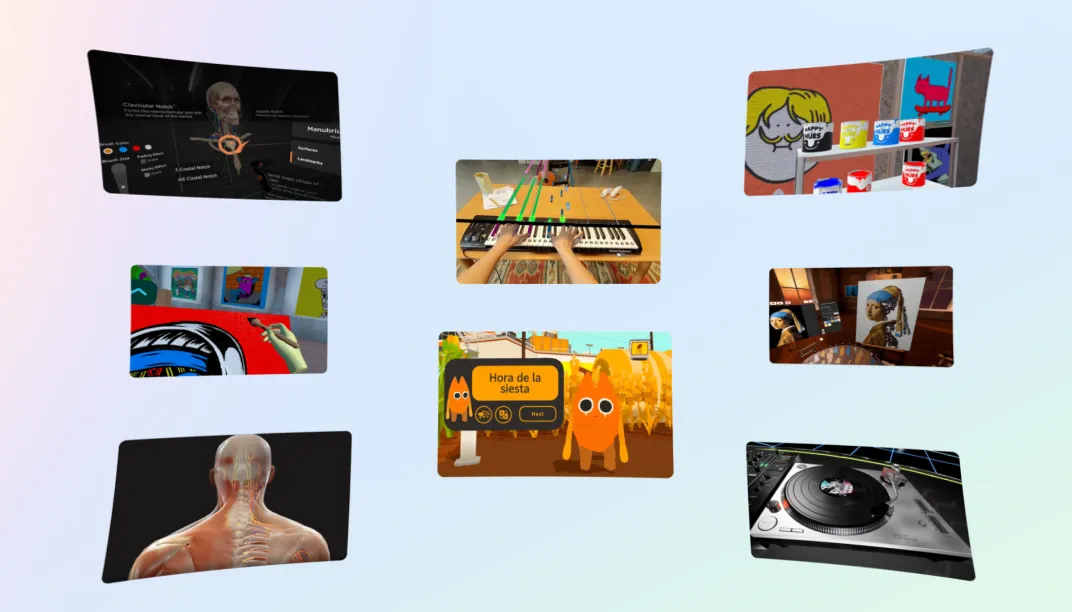
Education
Unlock the power of play and transform the way we learn! By developing innovative education games, you can make learning fun, interactive, and accessible to all.

Design Considerations
- Display content and text within the users’ field-of-view and prevent the users from having to turn their head. If it is a room scale experience, provide clear visual or audio cue (e.g. directional indicator) to help the users discover the content.
- Avoid displaying motion or forcing the user to physically move around too much while fully immersed. Make sure to define a fixed frame of reference and guardian setup for safety. We recommend anchoring content in the space instead of making it follow the user’s head rotation.
- Make your experience intuitive. Players may struggle to understand a gesture through text or audio description alone. Provide an animation, video, or mirror to assist visual learning. This is applicable to hand gestures as well as full motion gestures like leaning or putting hands together. For hand gestures, ensure you use the correct wording to describe the gesture; selecting something with hands is typically a pinch, not a tap.
App Examples

Key Elements / Building Blocks
- Multiplayer Building Blocks: This group of six building blocks enables you to quickly implement features that bring people together and cultivate social experiences through voice, presence, matchmaking, colocation, and more.
Showcases
Relevant Samples
TAGS
Design
Foundataions
General User Experience

Virtual reality / Meta Horizon
Support and legal
Virtual reality / Meta Horizon
Support and legal
Virtual reality / Meta Horizon
Support and legal
English (US)
© 2026 Meta